01
Quick profit estimates
Enter purchase cost, expected sale price, shipping, other costs and your fee settings to see a live estimate.
A focused workspace for keeping reseller inventory, sales and selling costs together, with a quick estimate before you buy or list.
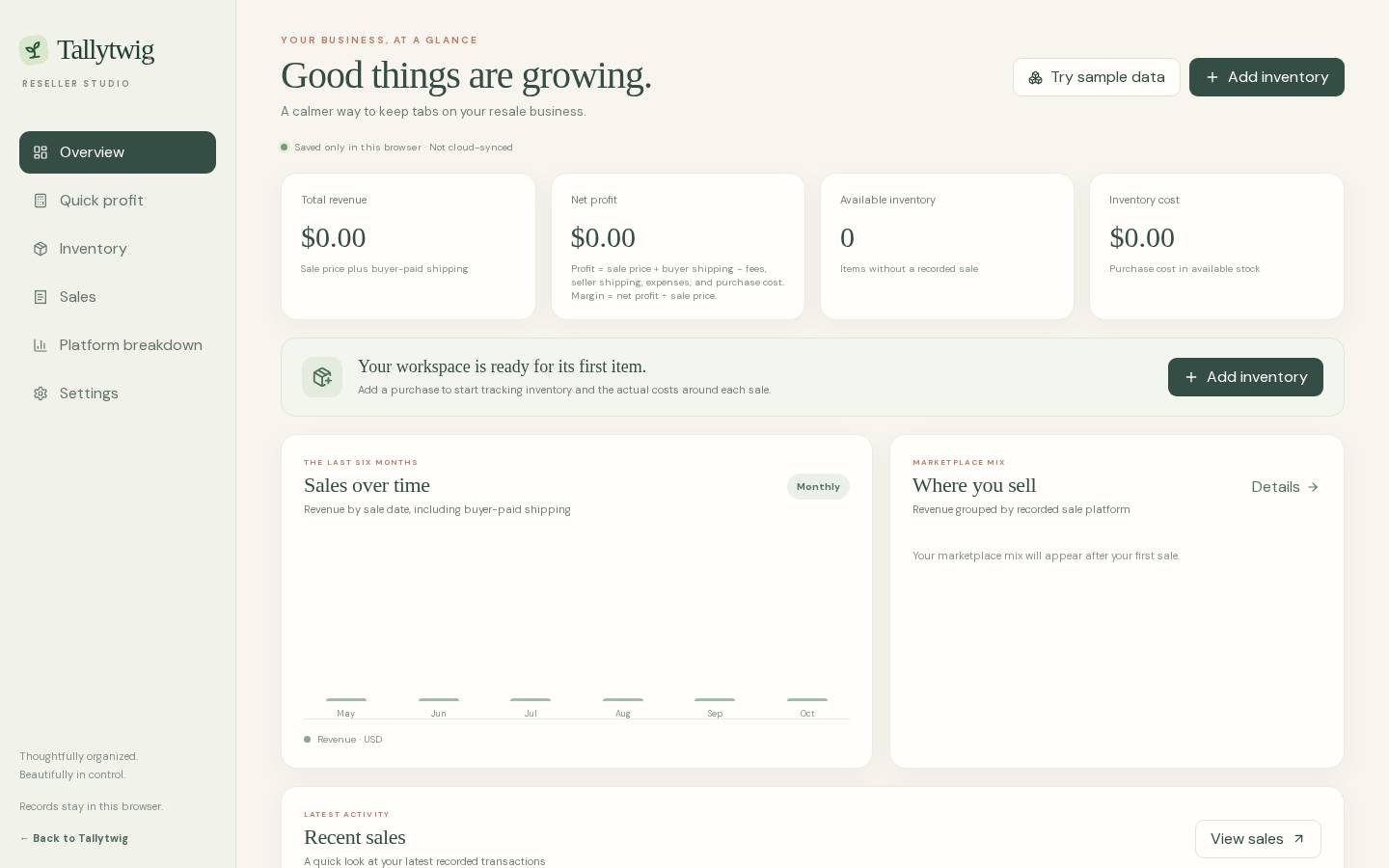
Entries are manual. Estimates use the values and fee settings you enter; the app is not connected to resale marketplaces.
Enter purchase cost, expected sale price, shipping, other costs and your fee settings to see a live estimate.
Add item details, then record sale price, platform fee, buyer and seller shipping, packaging and other expenses.
Set your own percentage, fixed fee and fee basis for each platform. The app does not pull live marketplace fees.
Export inventory and sales as CSV. Create or restore a JSON backup for your real records and fee settings; sample records stay separate.
Check a possible profit using a purchase cost, expected selling price, shipping and any fee settings you have entered.
Add an item to inventory with its source, category, cost, asking price, platform and purchase date.
Record the sale and its actual costs to see the calculated result for that item.
Export inventory or sales as CSV, or create a JSON backup of real records and fee settings. Demo records are kept separate from real records and are not included in that backup.
Reseller Command Center saves its records in your browser. They do not sync to the cloud or appear on another device automatically. Keep an export or backup if you want a separate copy of your real records.
Try the existing app and explore its browser-local workspace.